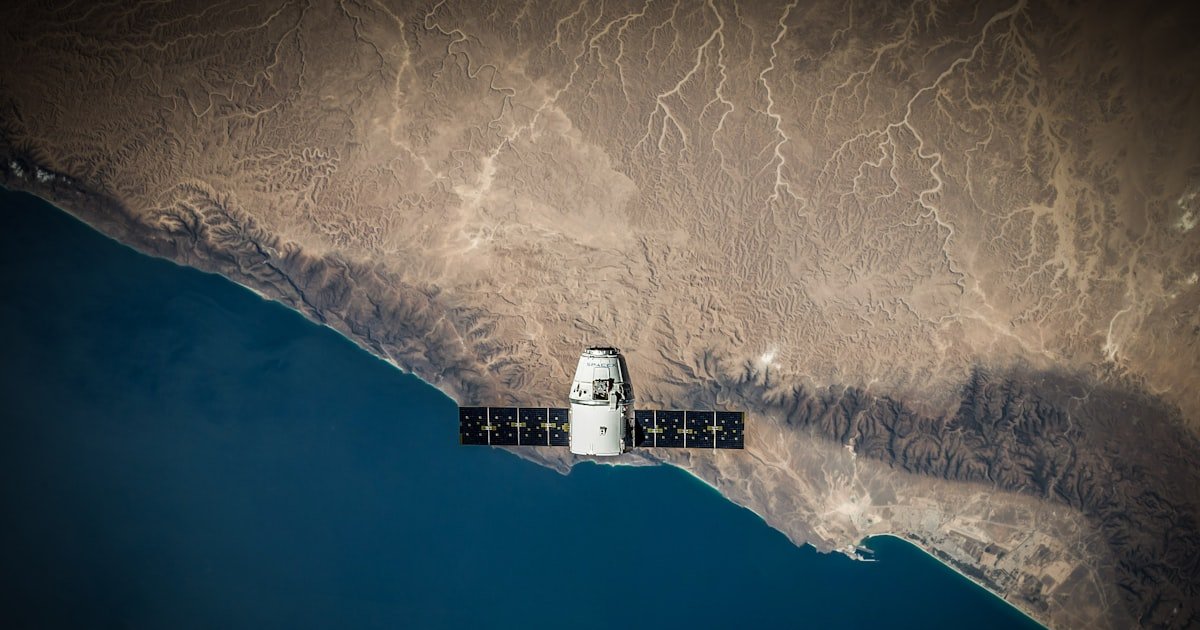
Telematics works by moving one small piece of information through four stages: a satellite tells a device where it is, the device adds what the vehicle is doing, the mobile network carries that record to a server, and software turns thousands of those records into something a person can read. Understanding how telematics works is not academic. It explains why one system updates every ten seconds and another every two minutes, why data sometimes arrives late in a batch, and what to check first when a vehicle stops reporting.
If you need the definition before the mechanism, read what telematics is first. This guide follows the data.
The short answer
A box in the vehicle listens to navigation satellites to work out where it is, adds what the vehicle is doing at that moment, and sends both to a server over a mobile connection. Software on the other end stitches those records into a map, a journey history and a set of alerts.
Four things decide whether the result feels good or useless: how often the device reports, what it counts as worth reporting, whether it stores data when the network drops, and how much history the software keeps. Everything below is those four choices in detail.
Stage one: the satellites work out where the vehicle is
A GNSS receiver in the vehicle listens for signals from navigation satellites. Each signal carries the time it was sent, and because those signals travel at a known speed, the difference between sending and receiving gives a distance. With signals from four or more satellites, the receiver solves for a single point on the earth, plus altitude and a very accurate clock reading.
Two things follow from this. First, the receiver only listens; it never transmits to the satellite, which is why position itself costs nothing to obtain. Second, the receiver needs a reasonably clear view of the sky. Underground car parks, dense high-rise streets and metal container yards are where position accuracy degrades, because the signal arrives reflected rather than direct.
Most modern receivers use more than one constellation, not only the American GPS system, which is why accuracy in built-up areas has improved considerably over the last decade. Our guide to how GPS vehicle tracking works covers this layer in more detail.
What is actually inside a telematics device
“Telematics device” sounds like one component. It is really five, and knowing which is which makes most faults easy to place.
| Part | Job | What it explains |
|---|---|---|
| GNSS receiver | Works out position from satellite signals | Why accuracy drops with no sky view |
| Modem and SIM | Sends records to the server | Why there is a monthly cost per vehicle |
| Accelerometer | Detects braking, acceleration, cornering, impact | Why driver scoring works without vehicle data |
| Onboard memory | Holds records when the network is unavailable | Why a journey can complete after a coverage gap |
| Power and wiring | Draws power, and on wired units reads the vehicle bus | Why some devices report engine data and others cannot |
The fifth one is where devices differ most. A unit plugged into a diagnostic port reads what the vehicle already publishes about itself. A unit wired in properly can also send commands back, which is what makes remote immobilisation possible. A battery-powered unit has neither, which is why it suits trailers and equipment rather than vehicles.
This page is about how the parts work. If you are choosing between them, see telematics devices explained, OBD2 trackers and how to choose a device.
Stage two: the device adds context
A position on its own is a dot. What makes it useful is everything the device records alongside it.
- Ignition state, which separates a vehicle that is parked from one that is stationary with the engine running.
- Speed and heading, derived from successive positions and, on better devices, cross-checked against motion sensors.
- Motion events from an accelerometer: harsh braking, harsh acceleration, sharp cornering, and impact-level forces.
- Vehicle data, on devices wired into the vehicle’s own diagnostic connection, which can include engine hours, fault codes and fuel readings.
The device does not send every reading. It applies rules: report every few seconds while moving, far less often while parked, and immediately when something notable happens. That logic is the single biggest difference between a cheap device and a good one, because it decides how much detail survives and how much mobile data the system burns.
It is worth being concrete about what “notable” means, because this is where systems quietly differ. A well configured device treats ignition on and off, a geofence crossing, a harsh event and a power disconnection as things to send immediately, and treats ordinary movement as something to sample on a timer. A poorly configured one either sends everything, which is expensive, or sends on a timer only, which loses the events that matter.
Stage three: the mobile network carries it
The device holds a SIM and sends its records over the mobile network to a server. This is the stage that costs money per vehicle per month, and it is also the stage that fails most often, for entirely ordinary reasons: a coverage gap on a rural route, a tunnel, an area with congested towers.
Good devices handle gaps by storing records in local memory and uploading the backlog when the connection returns. That is why a vehicle can vanish from the live map for twenty minutes and still produce a complete journey record afterwards. If your system loses the journey entirely during a coverage gap, the device is not buffering, and that is a hardware choice rather than a signal problem.
This is also the difference people mean when they compare live tracking with the cheaper alternative that only stores data for later collection. Our comparison of real time versus passive tracking sets out where each one is honest value and where it is a false economy.
Stage four: the software makes it readable
The server receives a stream of records that mean nothing individually. The software’s job is to turn them into the four things a fleet actually uses.
| Raw input | What the software produces |
|---|---|
| Successive positions | A route line, distance travelled, and a replayable journey |
| Positions plus a drawn boundary | Geofence entry and exit events with timestamps |
| Speed readings plus road context | Overspeed events rather than a wall of speed values |
| Motion events over time | A driver score that can be compared week to week |
This is also where map matching happens. Raw positions scatter slightly, so the software snaps them onto the road network to produce a clean line. Without it, every journey looks like the vehicle was weaving.
What a telematics dashboard actually shows
The word dashboard covers two different screens, and confusing them is why people sometimes feel a system is missing something it has.
The live view answers where things are right now: every vehicle on one map with position, speed, heading and ignition state, refreshed continuously, with the last-seen time when a vehicle is out of coverage. This is the screen used during the working day.
The reporting view answers what happened: journeys you can replay, hours worked, idle time, distance, alerts raised and how drivers scored. This is the screen used weekly, and it is the one that decides whether a system changes anything. See how to read fleet reports and what route playback gives you.
Telematics in a car, and how it differs from a truck
The mechanism is identical in a car. What changes is where the device comes from and what the data is used for.
Factory fitted. Many newer cars leave the factory with a telematics unit already installed, reporting to the manufacturer. It is useful for breakdown assistance and servicing, but the data goes to the maker rather than to you, and it usually cannot be pulled into a fleet system.
Aftermarket. A device you fit yourself, or have fitted, reports to a platform you control. This is what makes a mixed-age, mixed-brand fleet appear on a single map, which no factory system will do.
The data emphasis shifts too. Car and van fleets lean on driver behaviour, private versus business mileage and fuel. Trucks and plant lean on engine hours, fuel monitoring and maintenance intervals. The platform should handle both without being a different product. See fleet telematics for the operational side.
Telematics and navigation are not the same thing
Both use satellite positioning, so they get confused constantly, but they point in opposite directions.
Navigation works for the driver, inside the vehicle, in the present tense. It takes a position and gives directions to a destination. Nothing leaves the vehicle.
Telematics works for the operator, away from the vehicle, and keeps a record. It takes the same position and sends it somewhere with a timestamp, so that someone elsewhere can see it now and refer back to it later.
A vehicle can have both, and they do not talk to each other unless a system is built to join them. Route planning sits in between: it uses telematics history to decide better routes and then hands those to navigation. Our guide to route optimisation covers that overlap, and telematics versus GPS tracking covers the other comparison people ask about.
Why systems feel different
Two systems can use identical hardware and feel nothing alike. The differences almost always trace back to three choices.
- Reporting interval. A ten second interval feels live. A two minute interval feels like a slideshow and hides short stops entirely.
- What counts as an event. A system with badly tuned thresholds reports harsh braking every time a driver stops at a light, and the alerts get ignored within a week.
- How history is stored. Systems that keep detail for months can answer questions asked after the fact. Systems that summarise aggressively cannot.
What to check when the data looks wrong
Most reported faults are one of a small set of causes, and they are worth working through in order before assuming the device has failed.
- Vehicle not reporting at all: power first, then SIM status, then device placement. A device moved under metal during a service is a common cause.
- Position jumping around while parked: normal receiver scatter in a poor sky-view location, and usually harmless.
- Distance slightly under the odometer: expected. The system measures straight lines between samples, and the odometer measures wheel rotations.
- A missing chunk of journey that reappears later: a coverage gap with buffering working correctly.
- Engine data missing while position works: the device is reading satellites but not the vehicle, so the fault is in the wiring or the diagnostic connection rather than the tracker.
Step by step diagnostics are in GPS tracker troubleshooting, and choosing a GPS tracking device covers what to look for before buying rather than after.
Frequently asked questions
How does telematics work in a vehicle?
A device in the vehicle receives satellite signals to calculate its position, records engine and motion data alongside it, and sends those records over the mobile network to software that turns them into live maps, alerts and reports.
What is a telematics device?
A small unit fitted to the vehicle containing a satellite receiver, a mobile modem and SIM, a motion sensor, onboard memory and a power connection. Wired units can also read the vehicle’s own data and send commands back to it.
Does telematics use GPS or mobile data?
Both, for different jobs. Satellites supply the position and cost nothing to receive. The mobile network carries that position to the server, which is the part that needs a SIM and a monthly data allowance.
Is telematics the same as navigation?
No. Navigation works for the driver, giving directions inside the vehicle, and nothing leaves the vehicle. Telematics works for the operator, sending timestamped records out so someone elsewhere can see them now and refer back to them later.
How does car telematics work?
Exactly as it does in any other vehicle. The difference is the source: many newer cars have a factory-fitted unit reporting to the manufacturer, while an aftermarket device reports to a platform you control and can cover vehicles of any age or brand on one map.
How accurate is telematics data?
Position is typically accurate to a few metres in open conditions and degrades in tunnels, underground parking and among tall buildings where signals arrive reflected. Engine and motion data taken from the vehicle itself does not depend on sky view at all.
How often does a telematics device report?
It varies by configuration. A common pattern is every few seconds while moving, much less often while parked, and immediately when an event such as harsh braking or a geofence crossing occurs. Shorter intervals give more detail and use more mobile data.
What happens to telematics data when there is no signal?
A device with onboard storage keeps recording and uploads the backlog once coverage returns, so the journey history stays complete. The live map is the only thing genuinely lost during the gap.
What does a telematics dashboard show?
Two things, on two screens. A live view with every vehicle’s current position, speed and ignition state, used during the day. And a reporting view with journeys, hours, idle time, distance, alerts and driver scores, used weekly to decide what to change.
See the whole chain working
Reading about the stages is one thing; watching a vehicle move across a live map with its own alerts firing is another. Get a Fleetile demo and see the Fleetile platform handle the full journey from vehicle to dashboard.